A status page your customers can check before they email you
Share any Pingstack dashboard as a public status page with your logo, colors and light or dark theme, or show it on the office TV as a wallboard. Every plan includes at least one, and paid plans can put it on your own domain.
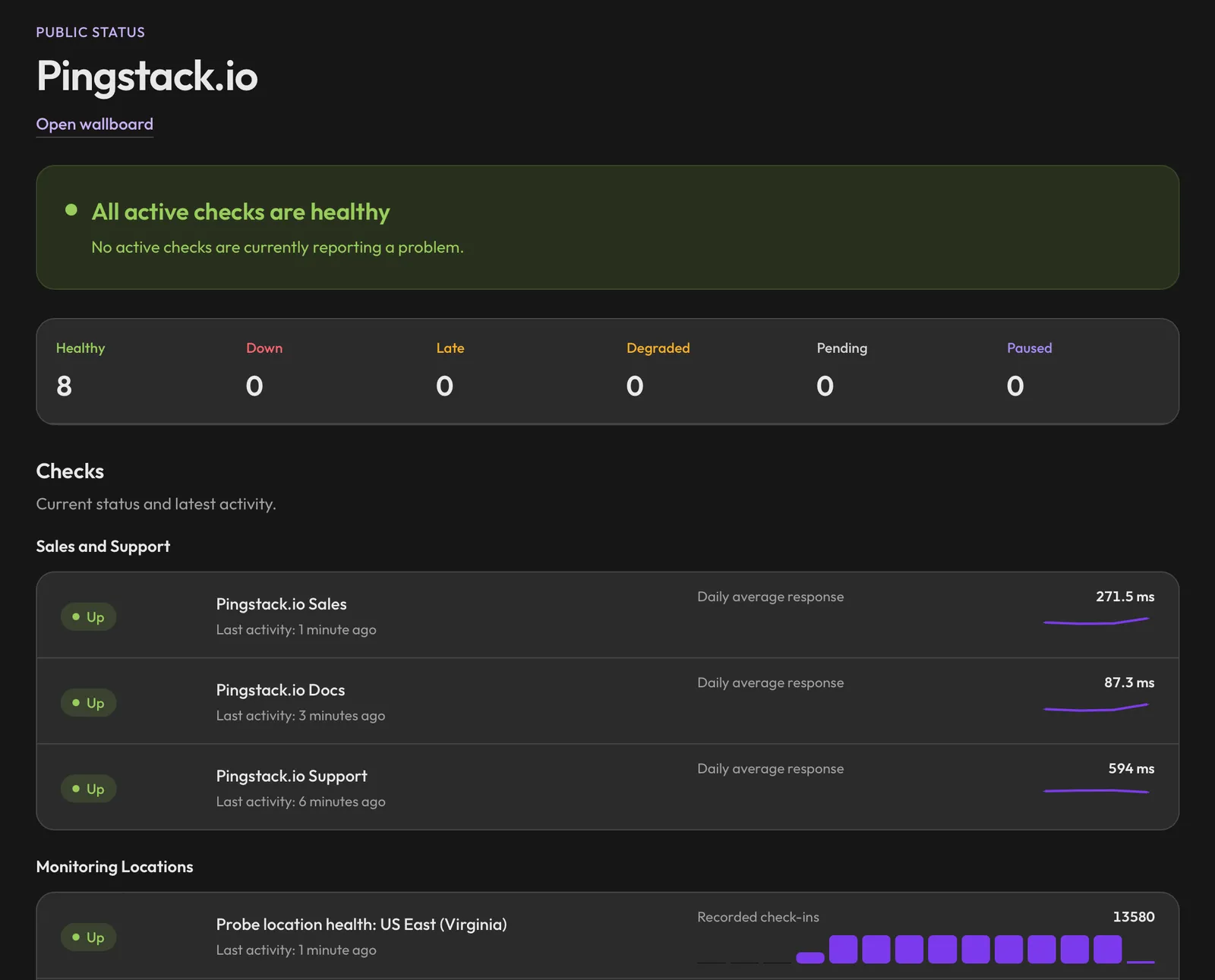
Make it yours
- Your name and logo
- Your brand colors
- A light or dark theme
- A cards or table layout
- Your own address on paid plans, on a Pingstack subdomain or your domain
Status pages on each plan
| Free | Pro | Team | Business |
|---|---|---|---|
| 1, with a Pingstack badge | 3, no badge | 10 | Unlimited |
How to publish
- Build a dashboard with the checks you want to share.
- Turn on public sharing and add your branding.
- Share the link or your own domain, or open the wallboard view on a TV.
Common questions
Can I use my own domain?
Yes, on Pro, Team and Business. Pick a Pingstack subdomain like acme.pingstackhosted.com and it works right away. Or use a hostname you own, like status.example.com, by adding two DNS records. Pingstack checks them for you and turns the page on once they're found. Status page domains
Can I show some checks and hide others?
Yes. A status page shows the checks on its dashboard, so build a dashboard with only the checks you want customers to see.
Does it update live?
It shows each check's current status from Pingstack.
Is there a Pingstack badge?
On the free plan, a small "Powered by Pingstack" link sits in the footer. Paid plans can turn it off.
